
How to Change the Default Web Browser App on Your iPhone to Open Links in Chrome, Firefox, Safari, and More
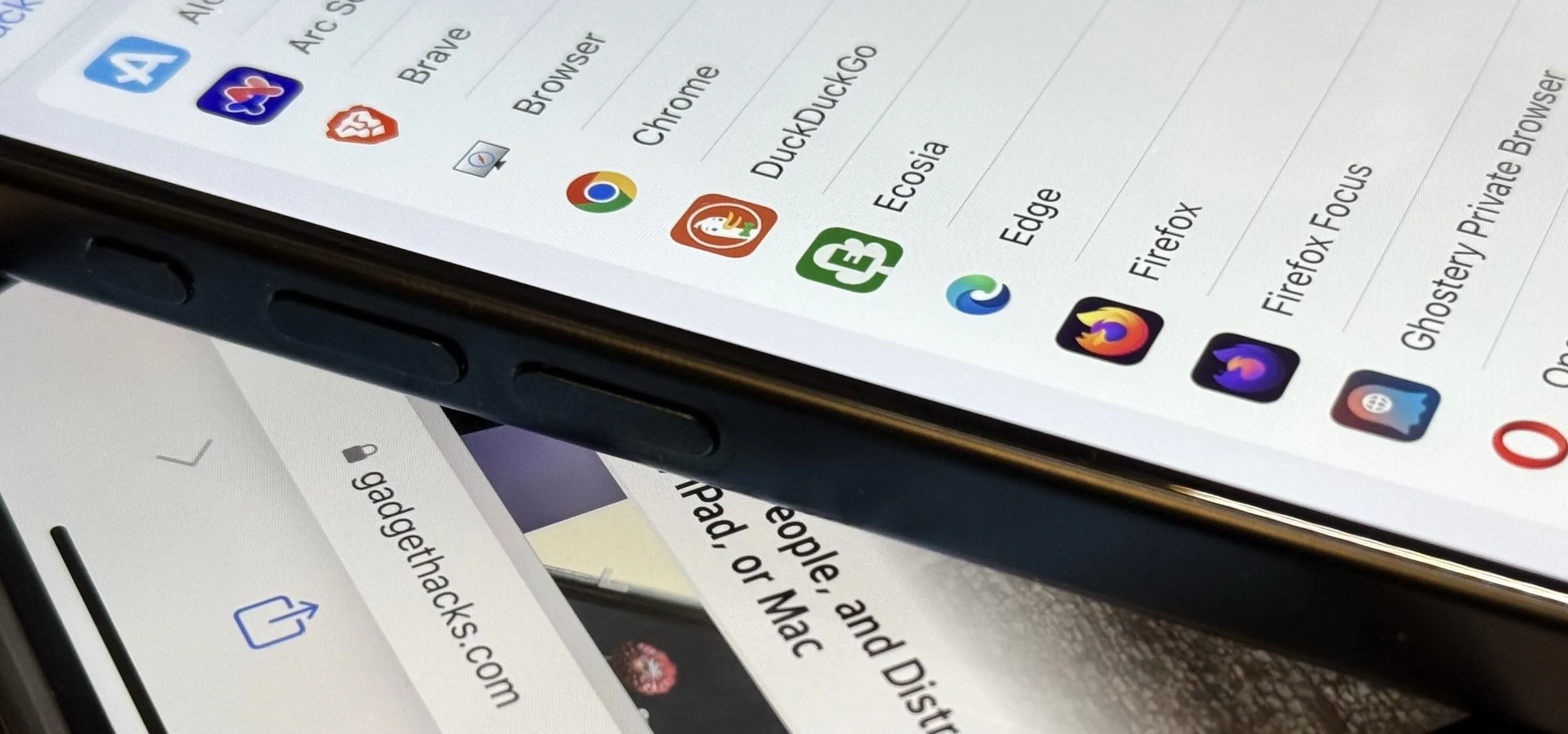
Safari is an excellent app for all your web browsing needs, but Apple gives you the freedom to choose a different default web browser on your iPhone to open links in. If you primarily use a third-party web browser like Chrome or Firefox on your computer or tablet, changing your default iOS web browser allows you to have a synced web browsing experience across all your devices. Whether you're a fan of Chrome's seamless sync with your Google account, Firefox's privacy features, or another browser's unique tools, you can set it as your default for all hyperlinks across your iPhone. Recent Changes to Setting a Default Browser on iOSApple made this possible for everyone beginning with iOS 14, and the process has largely stayed the same since then. However, starting with iOS 17.4, Apple introduced a simplified process for choosing a default browser for users in the European Union, in response to recent European regulations. When EU users open Safari or a new browser for the first time, iOS...more
Filed under: Allgemein - @ 7. November 2024 23:10