
Your iPhone’s Clock App Just Got a Big New Feature with iOS 18
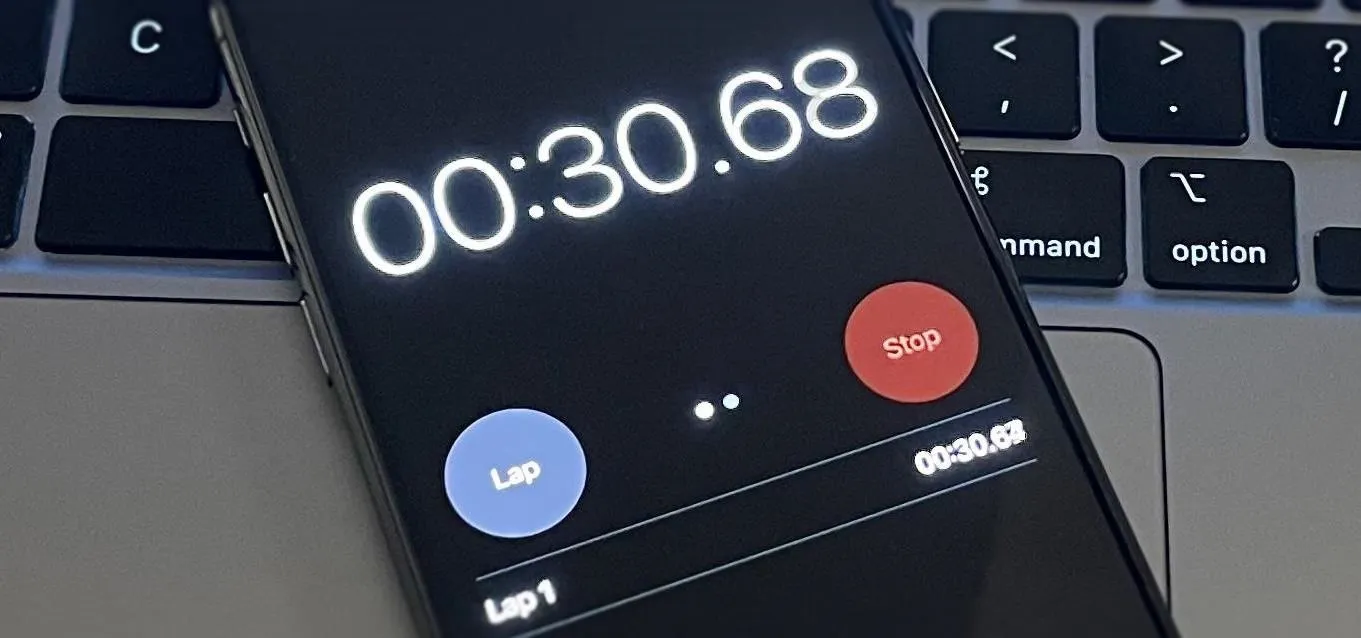
When iOS 17 first came out, the iPhone's Clock app received a giant new feature, one that lets you set multiple timers and keep track of them on the Lock Screen, Notification Center, and Dynamic Island. Now, the iOS 18 software update gives us something just as exciting for the stopwatch. In an early iOS 17.4 beta build, Apple previewed what Live Activities for Clock's stopwatch tool would look like. Unfortunately, the Live Activity never showed up in the stable iOS 17.4, nor any future iOS 17 software updates. But it's finally useable with iOS 18, released on Sept. 16. On iOS 18, as well as on iPadOS 18 for iPad, you simply open Clock, tap "Stopwatch" in the tab bar, and hit "Start" on either the digital or analog view to begin the counting. You could also: Ask Siri to start the stopwatch.Activate the stopwatch from a search in Spotlight.Start the stopwatch from Control Center.Begin the stopwatch from a control on your Lock Screen.Touch and hold Clock's icon on your Home Screen or...more
Filed under: Allgemein - @ 17. September 2024 22:32