
Apple’s Messages App Has Some Cool New Text Editing Features and Effects for iMessage — Here’s How It All Works
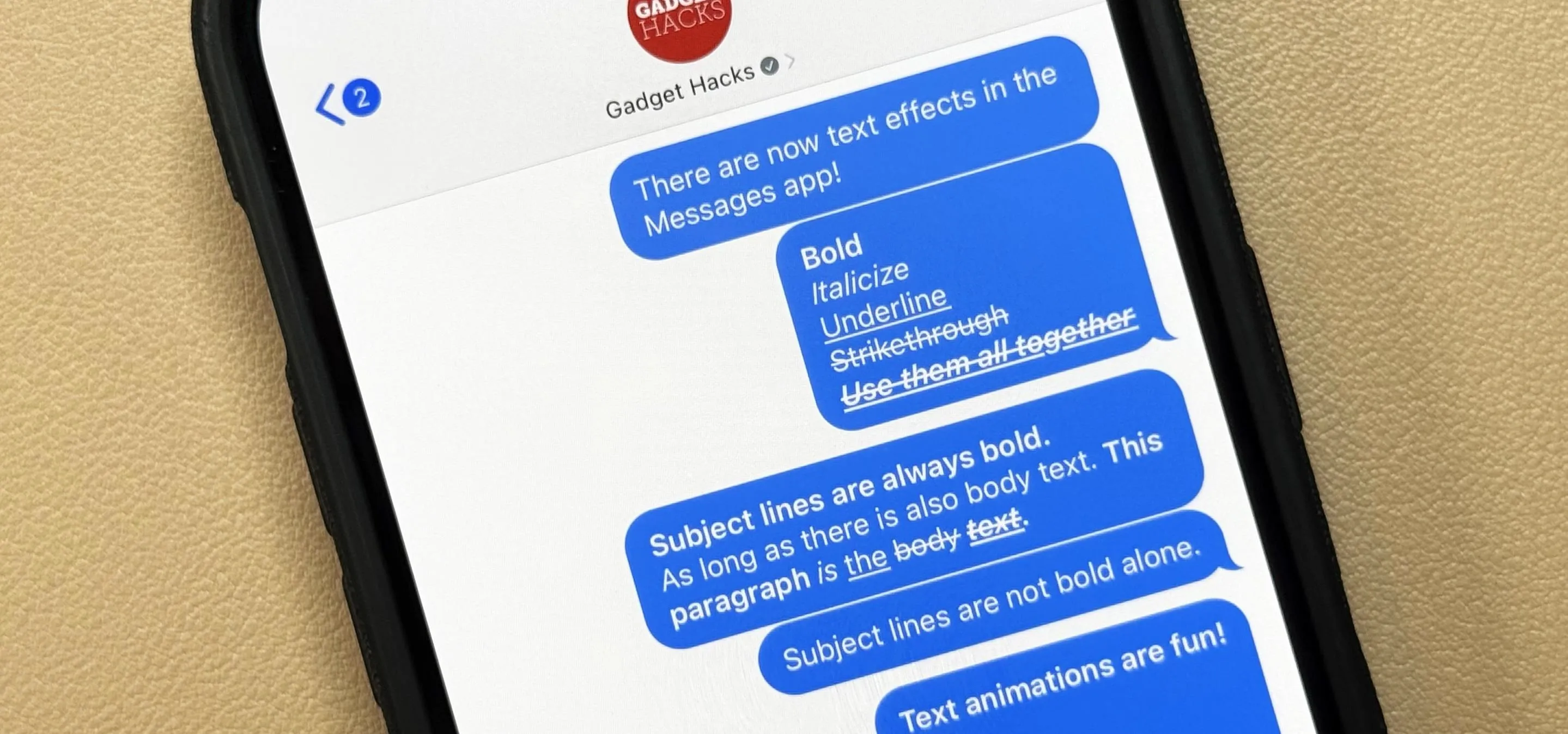
At first glance, Apple's Messages app has always seemed pretty basic when it comes to text formatting options. However, there were and still are hidden ways to format text in your messages. But Apple's latest software updates give us even more ways to dress up text in messages, including more text effects. In older software versions, you could bold text in the Messages app by unlocking the subject line. Third-party keyboards like Fonts and Fonts Art could give you virtually any font you wanted for messages. You could even copy formatted text from sites like LingoJam or other apps on your device. And, of course, there were iMessage bubble effects and screen effects. Don't Miss: How to Schedule Messages to Send Later Automatically Using iMessageBut none of the old tricks are very convenient if you just want to use Apple's stock keyboard. With Apple's iOS 18, iPadOS 18, and macOS 15 Sequoia software updates — all released on Sept. 16 — we finally get built-in formatting options for...more
Filed under: Allgemein - @ 27. September 2024 21:11