
Get Creative with Dark and Tinted Home Screen Icons on Your iPhone or iPad
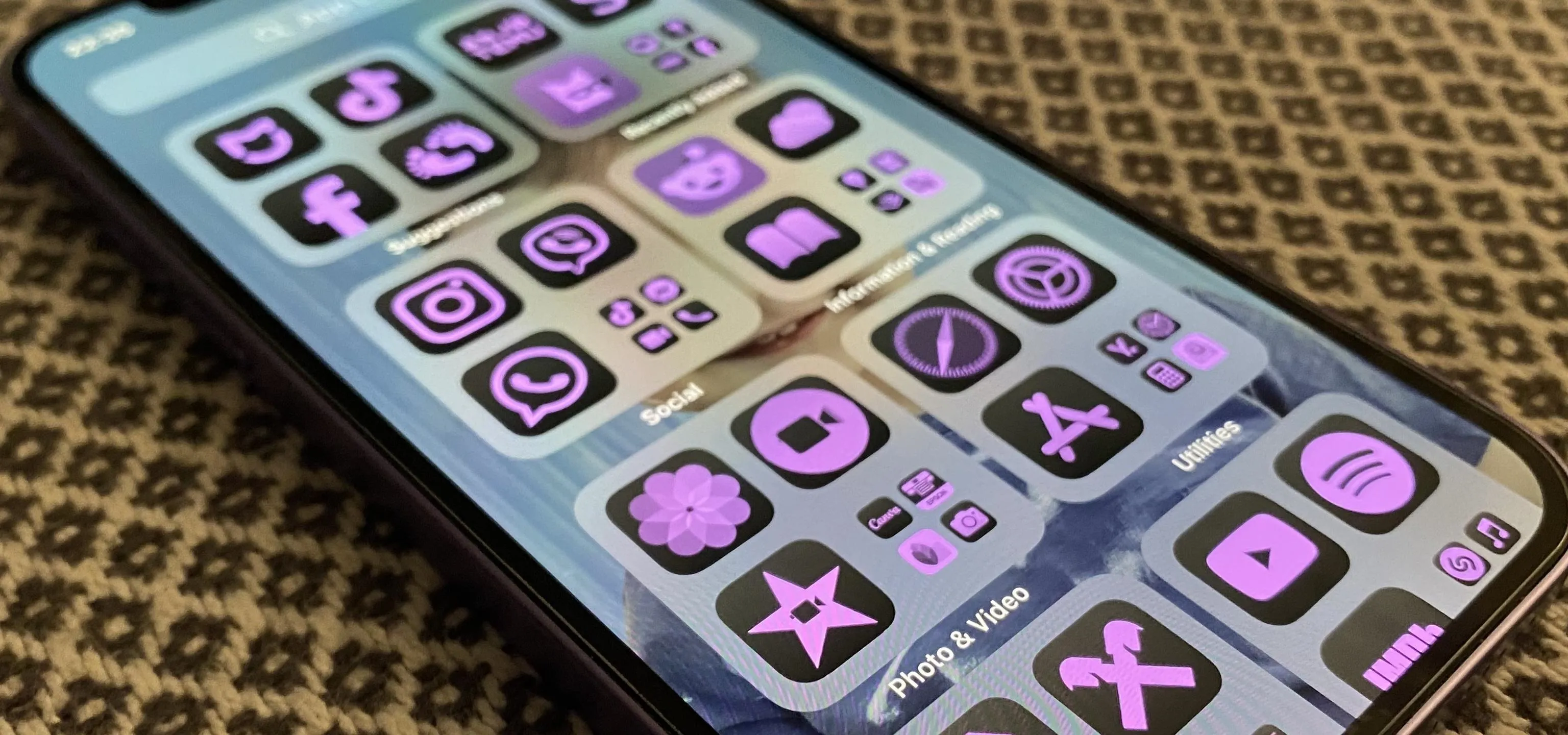
Some iOS and iPadOS apps offer alternative app icons you can switch between. Beyond that, you'd have to create aliases in the Shortcuts app to customize the look of the app icons on your Home Screen. But that would mean two icons for each app in the App Library. Now, in a new software update, Apple has given us a middle ground for Home Screen icon customization. With the iOS 18 and iPadOS 18 updates, released on Sept. 16, you can change not just your app icons but also your widgets by switching between light and dark appearances and tinted colors. Many of Apple's apps have themeable Dark Mode icons, and third-party developers can update their apps with dark and tinted variants. Alternate app icons also need dark and tinted variants. Dark icons require a transparent background, while tinted ones require a fully opaque grayscale icon. Your system will composite its gradient background on these icons to create the effect. However, iOS 18 and iPadOS 18 will still attempt to adjust some...more
Filed under: Allgemein - @ 17. September 2024 22:54