
How to Attach Almost Any File Type to Notes on Your iPhone or iPad
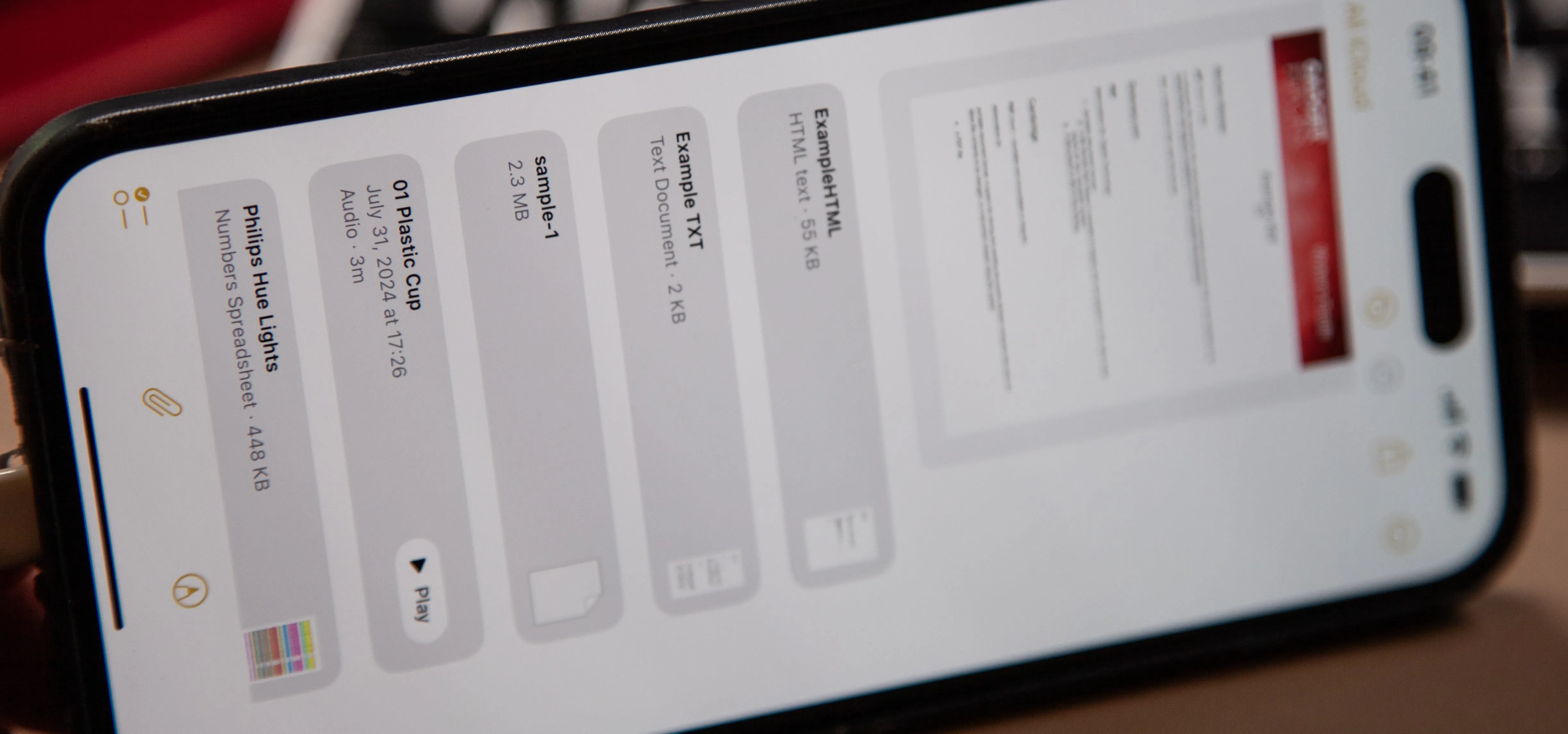
It's no secret that Apple's Notes app supports attachments such as photos, videos, and web links, as well as other file types like PDFs, word documents, spreadsheets, locations on a map, and audio tracks. While images, videos, and document scans are simple to add on an iPhone or iPad, other file types aren't as easy — at least until you know how. With the iOS 18 and iPadOS 18 software updates, released on Sept. 16, Apple streamlines adding file attachments in the Notes app. We'll show you how it works, but we'll also give you the details for iOS 17 and iPadOS 17 if you haven't upgraded your software yet. How to Add Attachments in NotesThere are three main ways to add file attachments to notes on iOS and iPadOS 17 and earlier, but the process for adding attachments depends on the file type. These methods still apply to iOS and iPadOS 18, but some may work somewhat differently. However, there are also entirely new ways on iOS and iPadOS 18 that simplify adding file attachments. Use the...more
Filed under: Allgemein - @ 24. September 2024 23:34