
How to Export or Import Your Safari Browsing Data Between Browsers on iPhone, iPad, and Mac
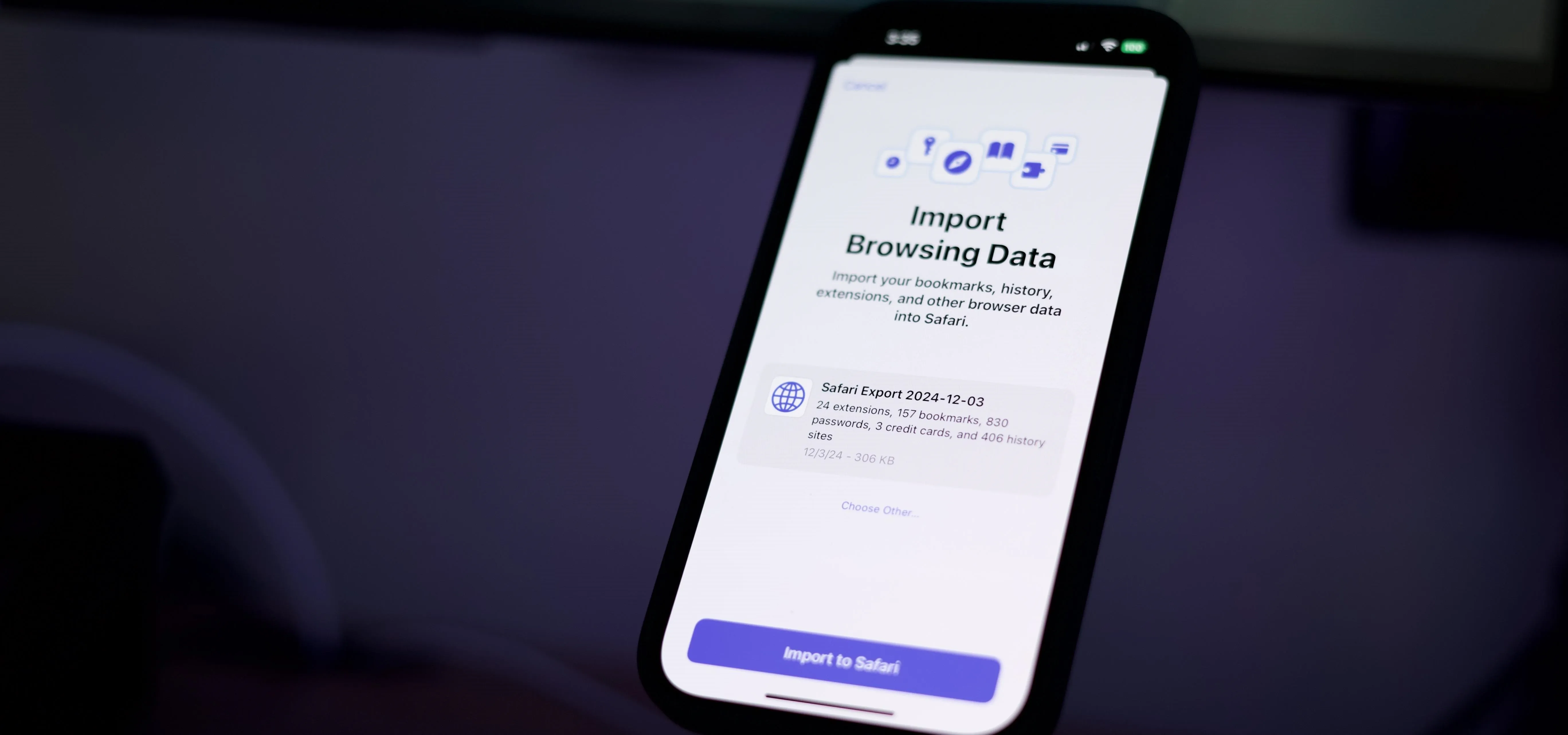
Apple has introduced a valuable new tool for Safari that lets you export or import browsing data such as bookmarks, history, extensions, credit card information, and usernames and passwords. This makes it easy to move your data between Safari and other browsers like Brave or Orion, create a backup archive, or even sync Safari passwords with third-party managers like Proton Pass. This feature is available across iOS 18.2, iPadOS 18.2, macOS 15.2, and visionOS 2.2 — released on released Dec. 11, 2024. Whether you're backing up data, switching browsers, or staying organized across devices, Safari's import/export tool gives you greater control and simplifies managing your digital life. Let's see how it works. Don't Miss: The Complete iOS 18.2 Features Guide — Here's Everything New and Improved for Your iPhoneExporting Your Browsing Data from SafariThis feature works with all of Apple's software platforms that support browsing. On iOS 18.2, iPadOS 18.2, and visionOS 18.2 and later, the...more
Filed under: Allgemein - @ 18. Dezember 2024 19:20