
How to Quickly Pixelate Faces in Photos on Your iPhone, iPad, or Mac to Blur Out People’s Identities
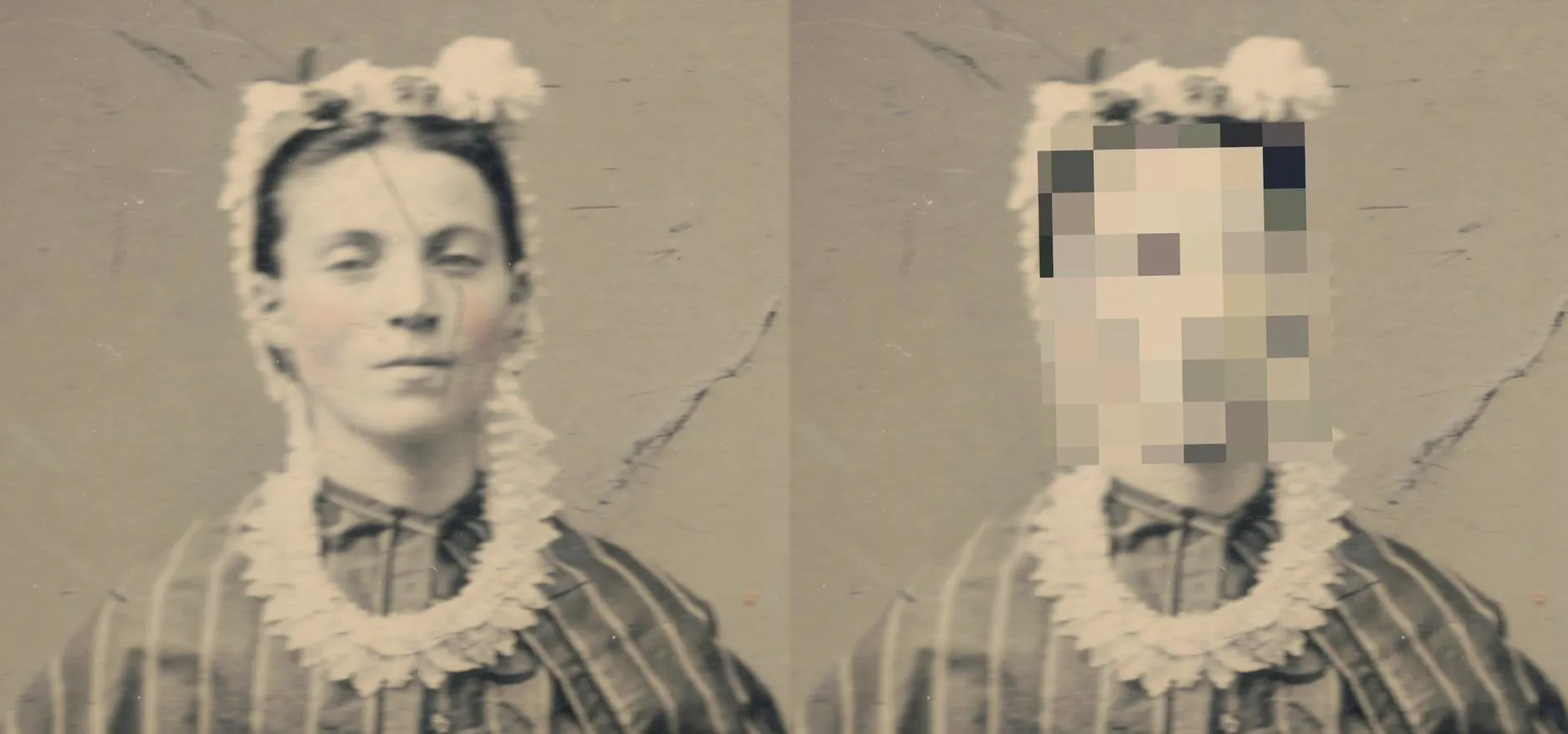
With Apple's Photos app, you no longer need a third-party tool on your iPhone, iPad, or Mac to blur or pixelate faces in your photos, helping you safeguard identities when sharing online. Starting in iOS 18.1, iPadOS 18.1, and macOS Sequoia 15.1, the Photos app has a built-in Clean Up tool that can remove and intelligently replace unwanted and distracting elements in photos, such as photobombers, imperfections, embarrassing objects, and other details you don't want anyone else to see. But it also has a hidden superpower: it can pixelate people's faces with a safety filter. Don't Miss: How to Remove Unwanted Objects, People, and Distractions in Photos on Your iPhone, iPad, or MacTo use the new safety filter in Photos, you'll need to be running the latest software, but you'll also need a device that supports Apple Intelligence — the backbone of the new privacy filter. That means it only works on the iPhone 15 Pro series, any iPhone 16 model, and iPads or Macs with M1 or A17 Pro chips or...more
Filed under: Allgemein - @ 28. Oktober 2024 22:13