
How to See Passwords for All the Wi-Fi Networks You’ve Connected Your iPhone To
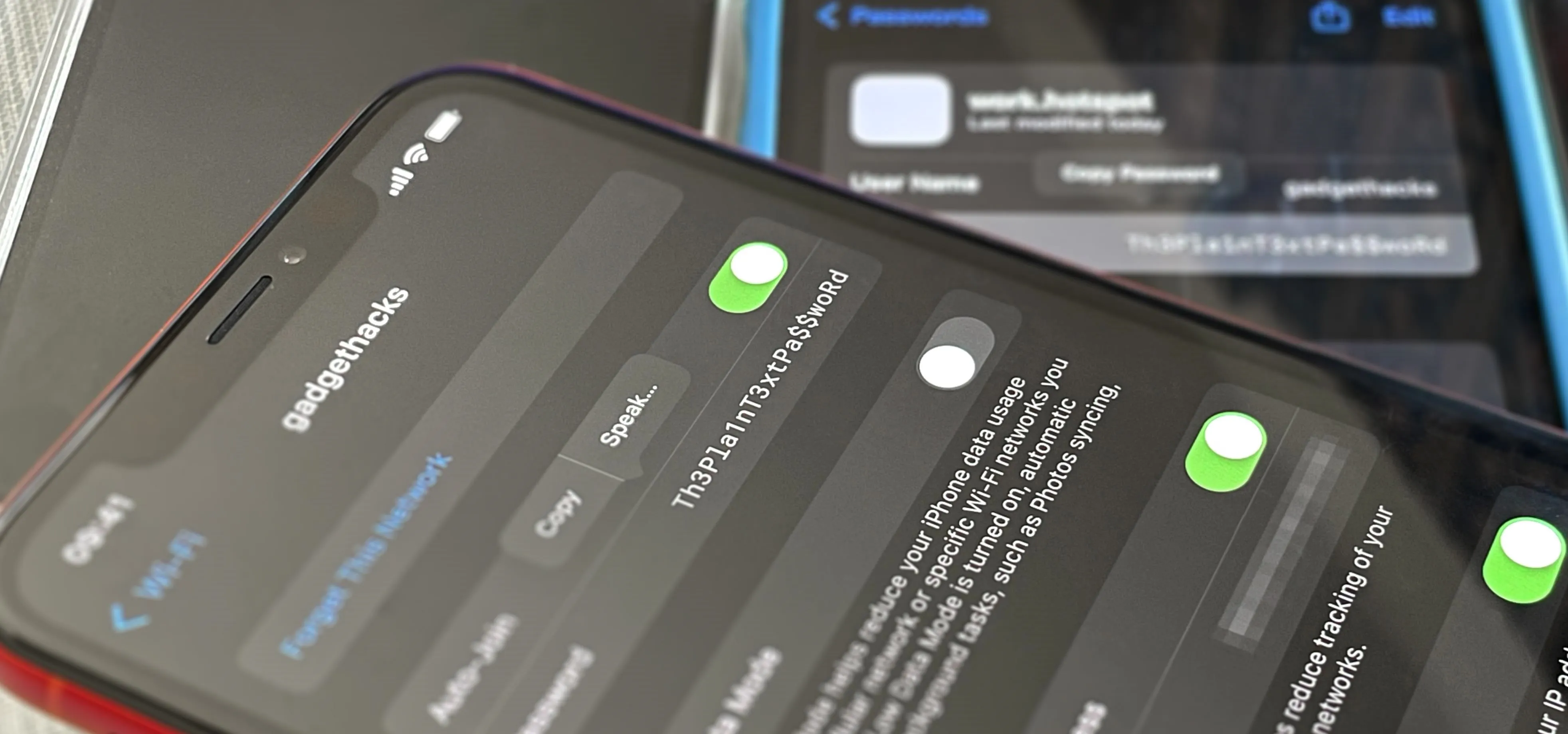
Your iPhone goes with you pretty much everywhere you go, and unless you have unlimited data on your cellular plan, you've probably connected to dozens of Wi-Fi hotspots over the years. Wi-Fi passwords are saved to your iPhone so you can auto-connect to the router or personal hotspot again, but finding the plain text password for a network hasn't always been easy. While iOS 15 and older software versions would remember Wi-Fi passwords for all the wireless access points you successfully connected to, there was no obvious way to retrieve a network's unobfuscated password. Your iPhone would let you share a saved hotspot's password to another device attempting to connect to the network in question, but only with other Apple devices. Full Details: How to Instantly Share Wi-Fi Passwords from Your iPhone to Other Nearby Apple DevicesThat all changed with Apple's iOS 16 update. Now it's just as easy to find and reveal plain text passwords for all your saved Wi-Fi networks on your iPhone as it...more
Filed under: Allgemein - @ 26. August 2024 19:40