
How to Set a Maximum Volume Limit for Your iPhone or iPad’s Speakers to Prevent Loud Audio Surprises
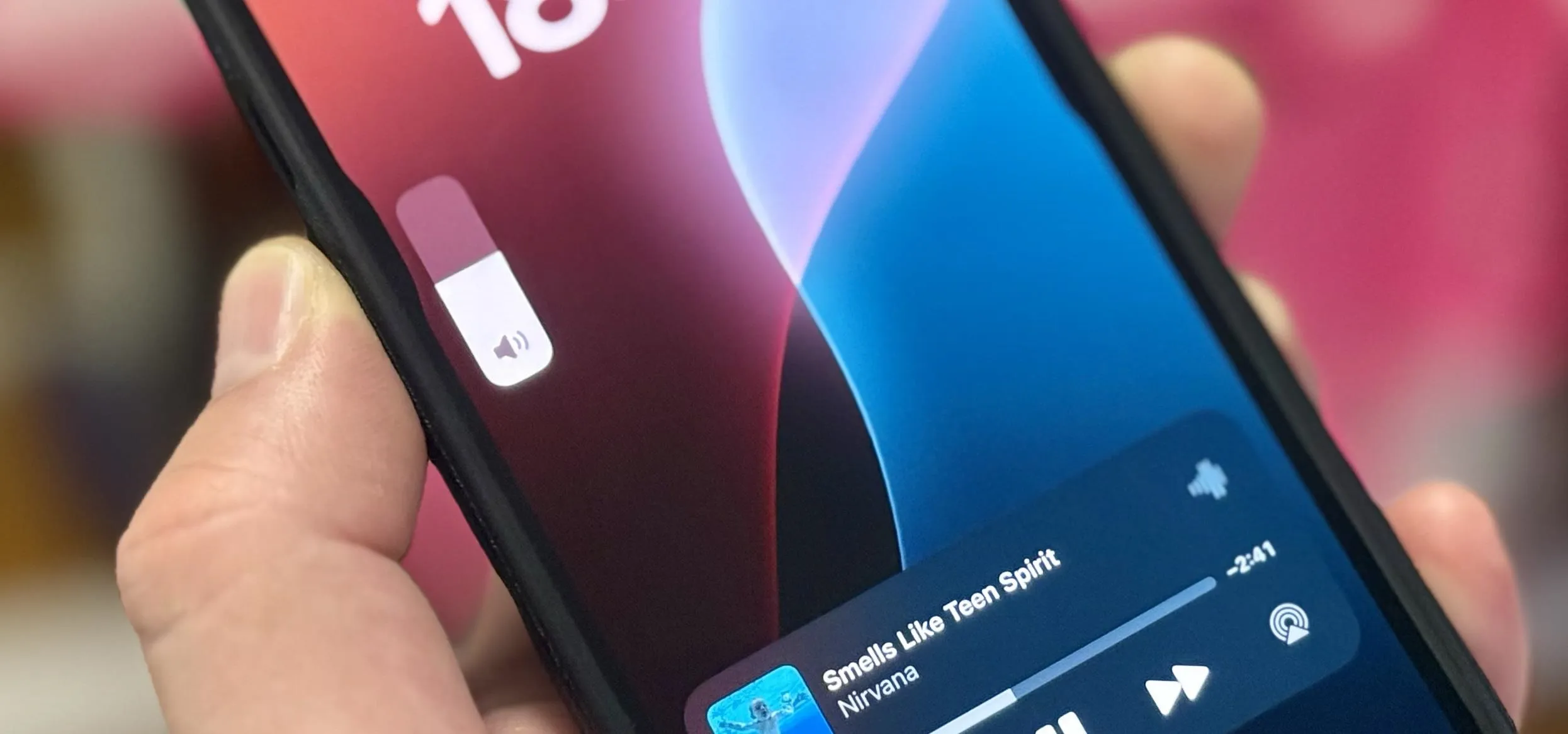
A new iPhone and iPad setting gives you control over how loud your device's built-in speakers get, which can help you avoid being startled by loud auto-playing videos, waking up someone sleeping nearby, hurting your ears, or degrading your speakers' quality and performance. You could already reduce loud audio levels for AirPods and other headphones via the Headphone Safety feature, where you set a decibels threshold to automatically protect your hearing from any levels above the limit. But with iOS 18.2 and iPadOS 18.2, released on December 11, Apple finally lets you cap your iPhone or iPad's maximum volume level for the built-in stereo speakers, which has a different set of benefits in addition to hearing protection. No surprises, no interruptions, no inconvenience — just peace of mind. Don't Miss: The Complete iOS 18.2 Features Guide — Here's Everything New and Improved for Your iPhoneThe customizable volume limit for your device's built-in speakers only applies to audio types like...more
Filed under: Allgemein - @ 11. Dezember 2024 17:46