
Make Typing Text Easier to Read on iPhone, iPad, or Mac with Apple’s Hover Typing Tool
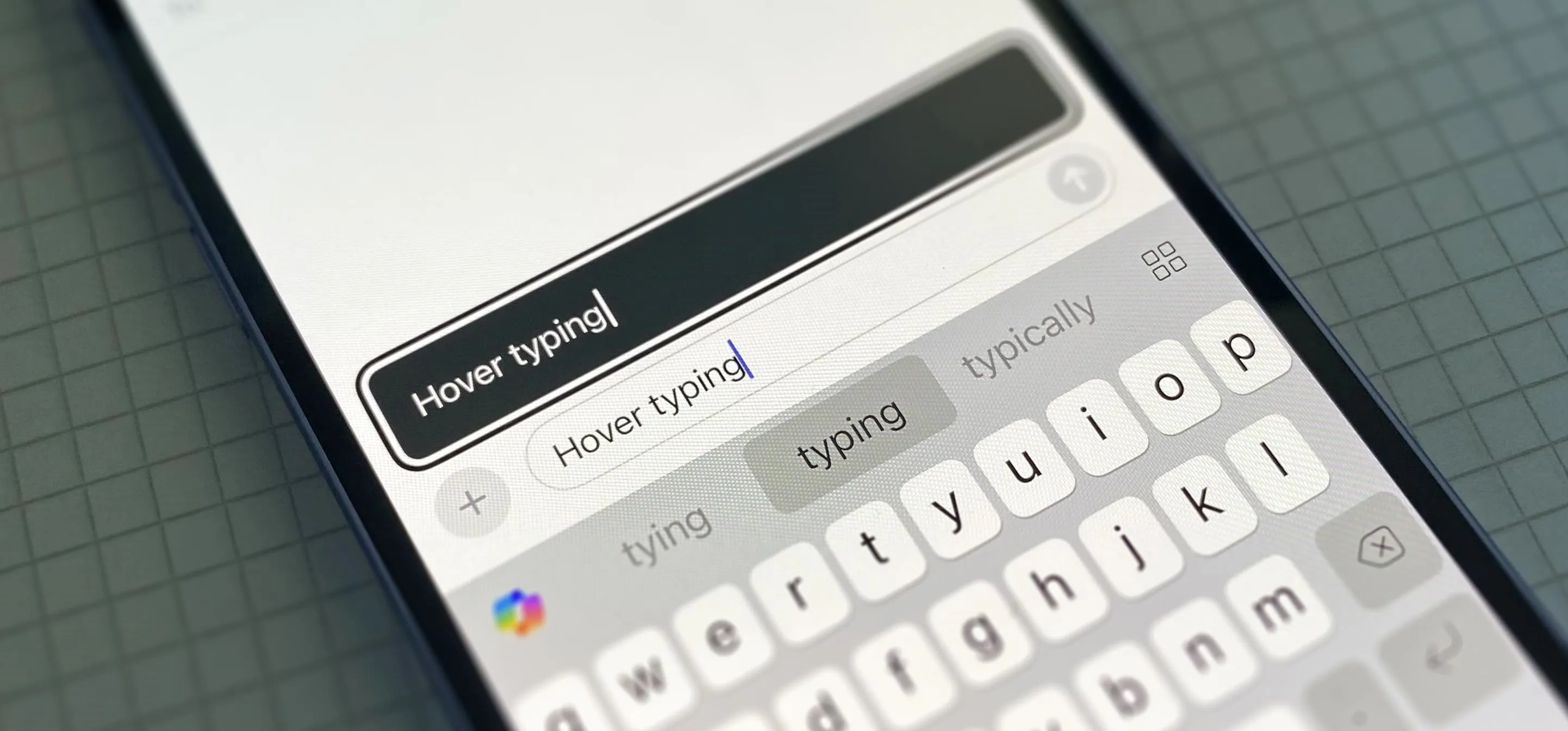
If you can't always see what you're typing very well on your iPhone, iPad, or Mac, you no longer have to adjust the font size for the app or entire system just to read your writing more easily. One of Apple's newer Accessibility features gives you a customizable, magnified view in a floating window so you can see every character with crystal-clear clarity in real time. For low vision, other vision impairments, or just enhanced typing visibility, try Hover Typing, which was introduced with iOS 18, iPadOS 18, and macOS Sequoia 15. Not only can it help you read what you're writing in normal conditions, but it can also help in situations where screen glare or low light might make small text difficult to read. Don't Miss: Apple's Messages App Has Some Cool New Text Editing Features and Effects for iMessage — Here's How It All WorksUnlike Hover Text, which enlarges content on the screen when you use a pointer, Hover Typing doesn't require a connected mouse or trackpad. It's explicitly...more
Filed under: Allgemein - @ 9. November 2024 0:47