
Program Your iPhone’s Physical Buttons to Open Apps, Perform Actions, or Do Almost Anything Else
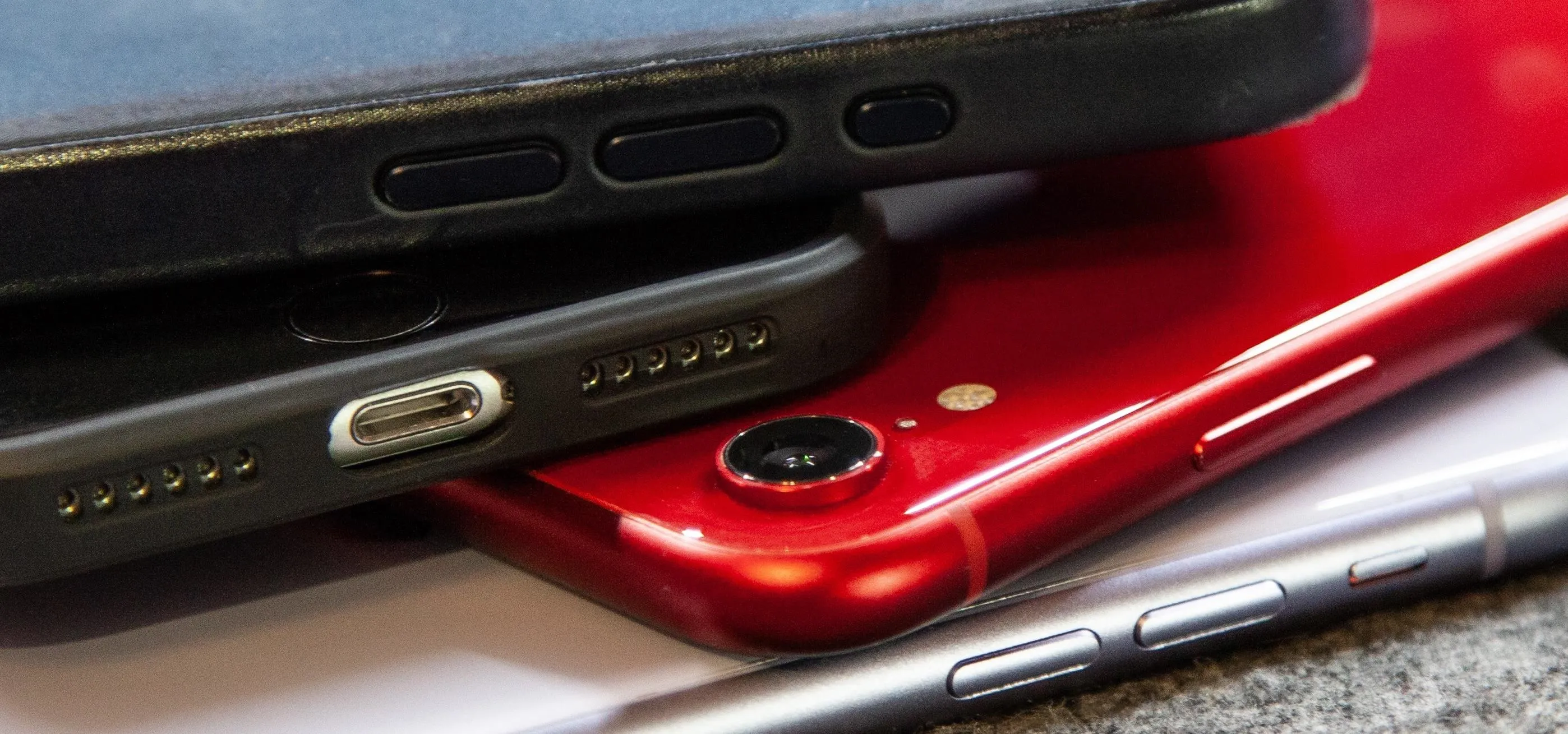
Your iPhone only has a few physical buttons, buttons with a set number of default actions assigned to them, like sleeping your display, controlling volume levels, and even taking pictures. But as much as these buttons can do for you, they can do more. You're not stuck with the out-of-the-box defaults. Every push button on your iPhone can be customized in one way or another. The Action button, Side button or Home button, and volume buttons all have a few tricks up their sleeves, but finding them is not always easy. Many of the things you can change or actions you can assign are hiding in the iOS settings, and it's about time you unburied them. There's even a hidden button you can unlock on your iPhone. Keep reading to see everything you can do. Don't Miss: 12 Reasons Why You Should Be Using Text Replacements on Your iPhone, iPad, or Mac1. Action ButtonIf you have an iPhone 15 Pro or iPhone 15 Pro Max, you've got a customizable Action button above the volume buttons that you can program...more
Filed under: Allgemein - @ 19. November 2024 0:54