
Swap the Flashlight and Camera Lock Screen Controls on Your iPhone to Open Apps, Toggle Settings, and More
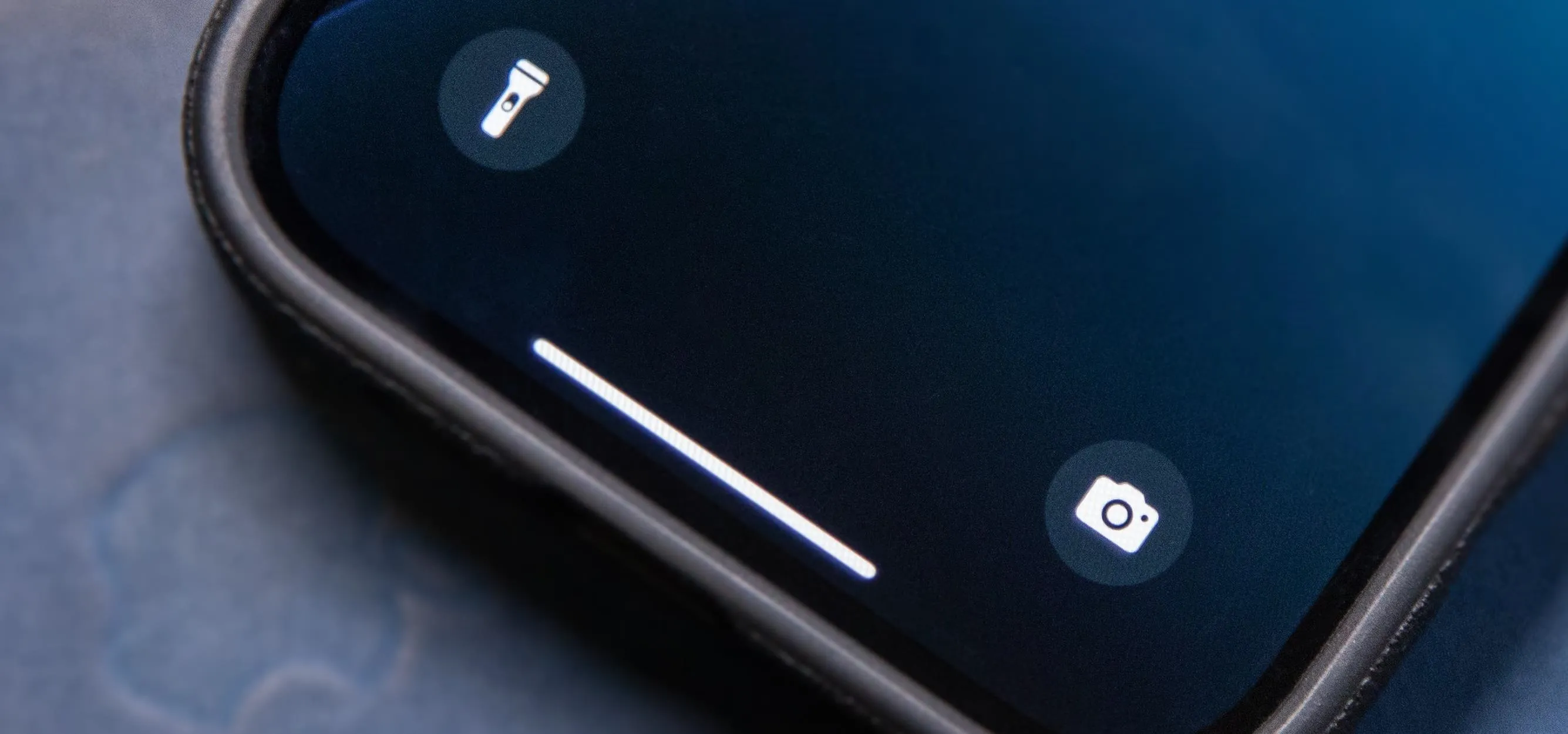
It's no secret that you can quickly toggle the flashlight and open Camera from your iPhone's Lock Screen using the bottom left and right buttons. But what you may not know is that you can customize those buttons to perform different actions on your iPhone. With the iOS 18 software update, released Sept. 16, controls that were previously only in Control Center are now also available for the Action button (on iPhone 15 Pro and all iPhone 16 models) and Lock Screen (on iPhone models with Face ID). Plus, there are more controls to choose from, such as one that can open any app on your iPhone. And third-party apps can include controls, so you may see some appear after updating your apps. Don't Miss: Your Lock Screen Just Got 12 Times Cooler with iOS 18 and iPadOS 18To switch the flashlight's or Camera's button on your Lock Screen, open your Lock Screen or Notification Center, then tap the date and time or an unoccupied area on your wallpaper. In the Lock Screen switcher, tap "Customize"...more
Filed under: Allgemein - @ 1. November 2024 20:29