
The Easiest Way to Find, Share, and Manage Wi-Fi Passwords Your iPhone and Other Apple Devices Auto-Saved for You
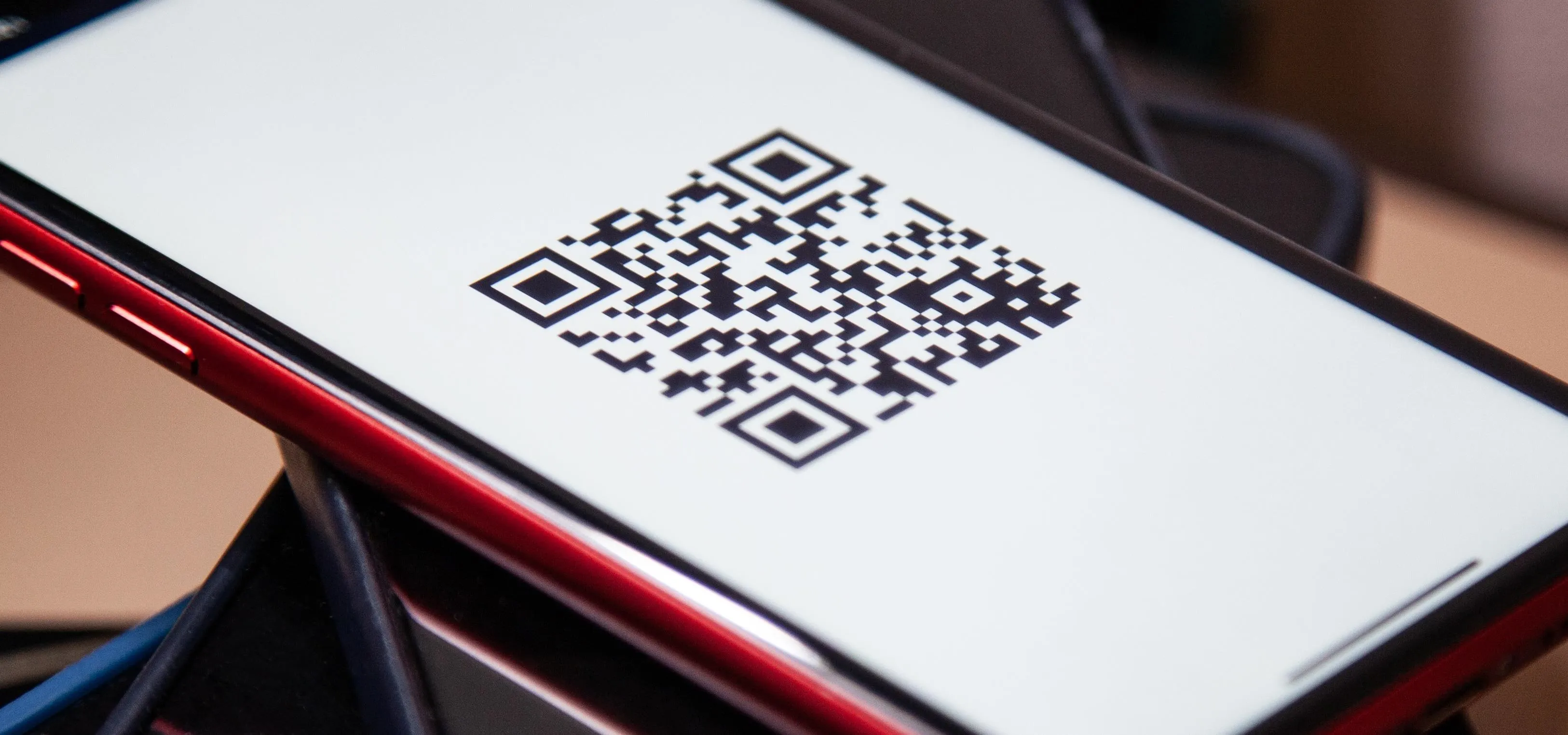
In the latest software updates for iPhone and iPad, there's an even easier way to view all your saved Wi-Fi networks and credentials and share them with family, friends, and others who need access. For a while now, whenever your Wi-Fi-connected iPhone or iPad gets close to another Apple device not on any Wi-Fi network, you may see a prompt appear to share the password. It's a quick and easy way to help others connect to the same Wi-Fi hotspot, but it only works between Apple devices. When iOS 16 and iPadOS 16.1 came out, Apple gave us a convenient way to see stored wireless networks. Go to Settings » Wi-Fi, hit the info (i) button for the connected network., then tap the obfuscated password to reveal it in plain text. To see other saved networks, tap "Edit" from the list of nearby networks. This is an easy way to view and copy your saved Wi-Fi passwords in plain text, but it's not a great way to share Wi-Fi login credentials with others. Don't Miss: How to See Passwords for Wi-Fi...more
Filed under: Allgemein - @ 20. September 2024 20:21