
Use FaceTime’s Secret Hand Gestures and Reaction Buttons to Add Animated On-Screen Effects to Your Video Feed
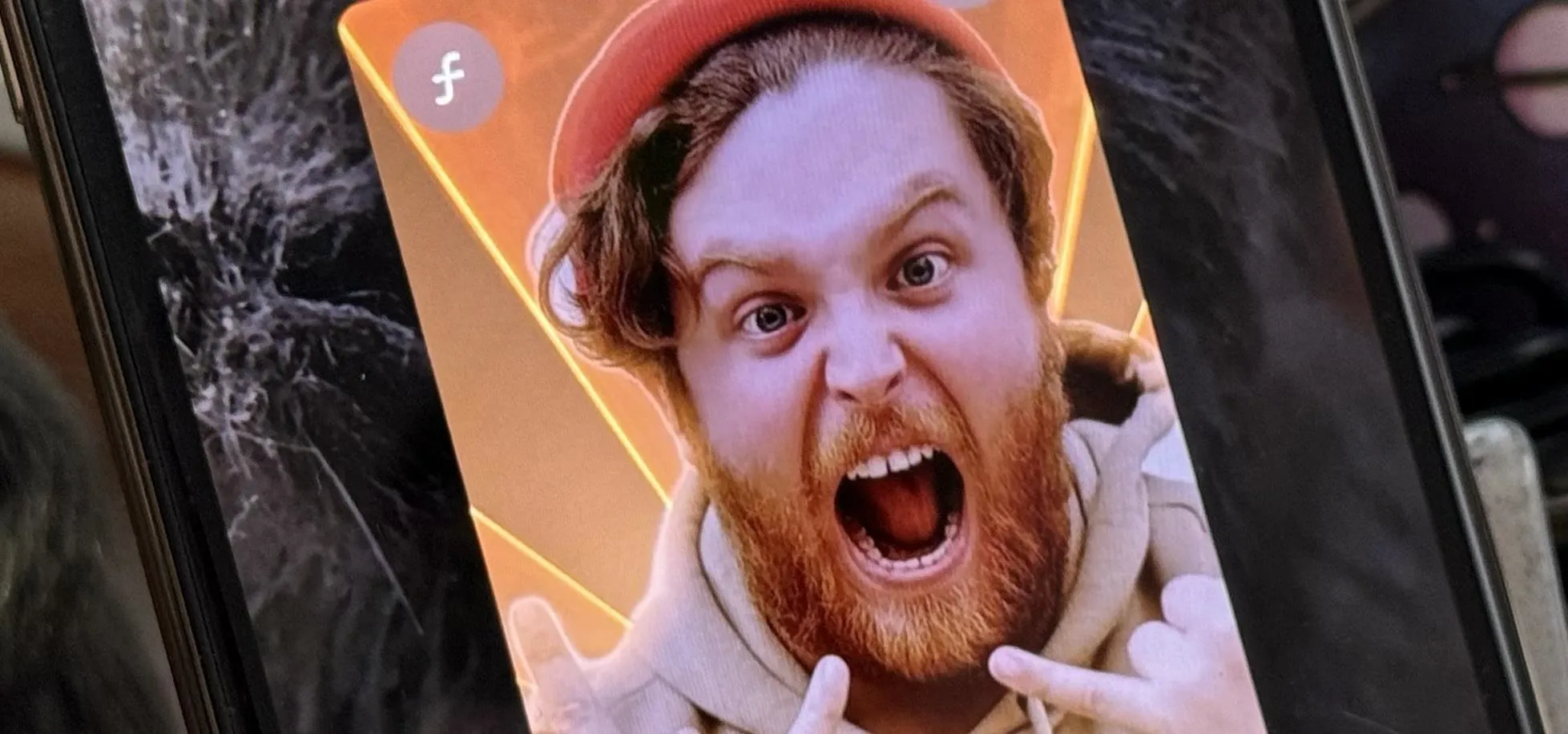
Apple's Messages app has long had visual effects you could apply manually after long-pressing the send button, and there are even hidden keywords you could use to trigger full-screen effects automatically. FaceTime can also give you some full-screen effects to play around with during video calls, but the triggers are an entirely different concept — hand gestures. There are eight reactions — hearts, thumbs up, thumbs down, balloons, rain, confetti, laser burst, and fireworks — available for FaceTime video calls. These also work in FaceTime video messages, Group FaceTime video calls, and third-party video conferencing apps. You can trigger them using on-screen buttons in FaceTime or hand gestures in FaceTime and other apps. Don't Miss: The Complete iOS 18.2 Features Guide — Here's Everything New and Improved for Your iPhoneCompatibilityYou can send FaceTime Reactions on an iPhone, iPad, Mac, or Apple TV as long as you're running updated software on a newer model device. If your...more
Filed under: Allgemein - @ 19. Dezember 2024 23:35