
With iOS 18, You Can Finally Hide App, Folder, and Widget Names on Your iPhone’s Home Screen
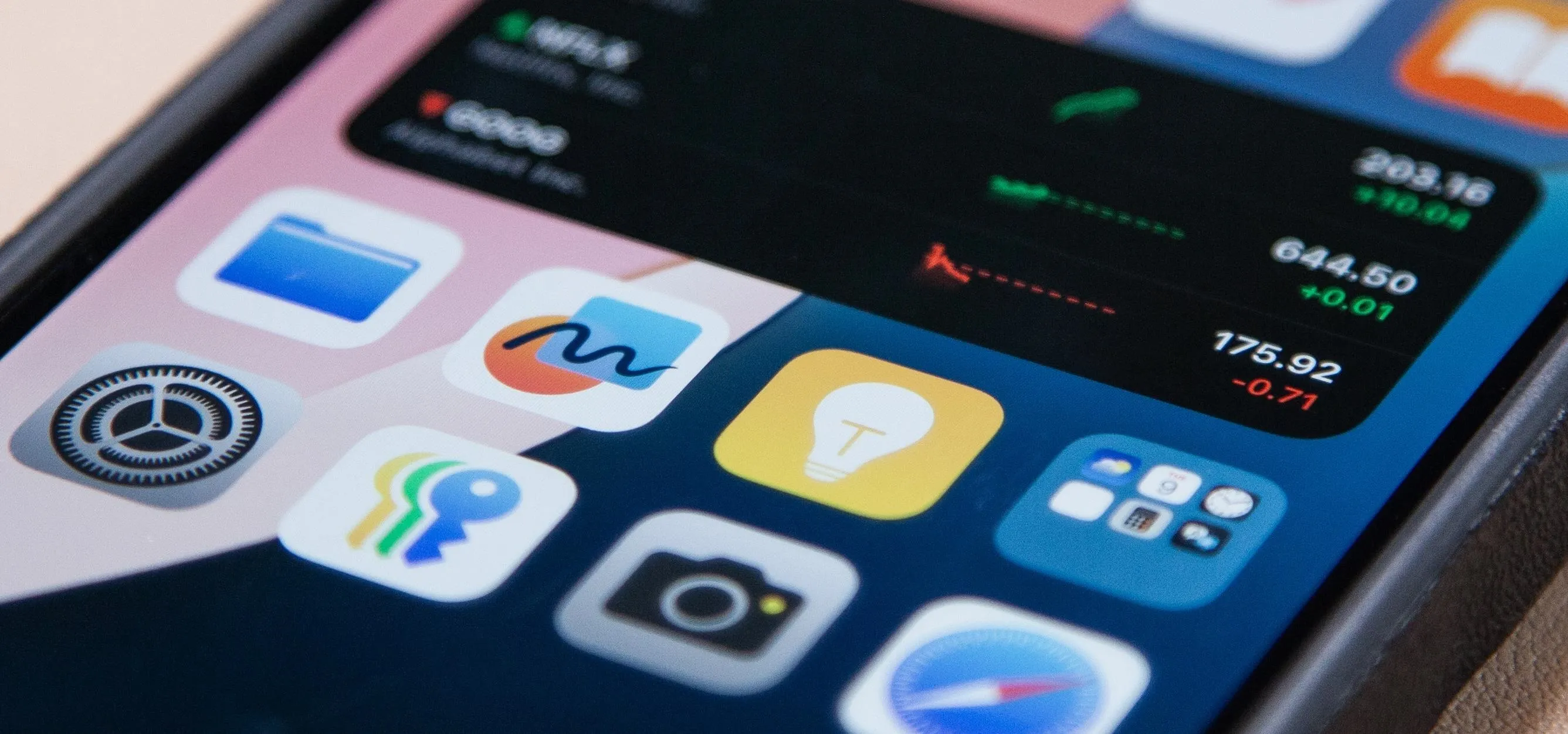
I have always favored a neat and tidy Home Screen on my iPhone, and one of the best ways to achieve that is by removing all the app, folder, and widget names. With a few workarounds, you can do this on iOS 17, but Apple finally just gave us an official feature on iOS 18 to hide app, folder, and widget names on the Home Screen. And it also works for iPad on iPadOS 18. On older software, you can hide a folder name using a special, invisible Unicode character, such as a Braille blank space. You can also use the invisible character to hide an app name, but it's a bit more work than just renaming the app. To do it, you have to use the Shortcuts app to create an alias for it, save it to your Home Screen with the invisible character as its name, and then hide the actual app. Widgets are even less customizable on iOS 17 and earlier, and you can only remove widget names by pushing them all to the Today View screen. Widget names never appear under widgets on iPadOS 17 and earlier, so widget...more
Filed under: Allgemein - @ 17. September 2024 21:55