
Your iPhone’s Action Button Has Way More Actions to Choose From — Here’s What’s New and Changed with iOS 18
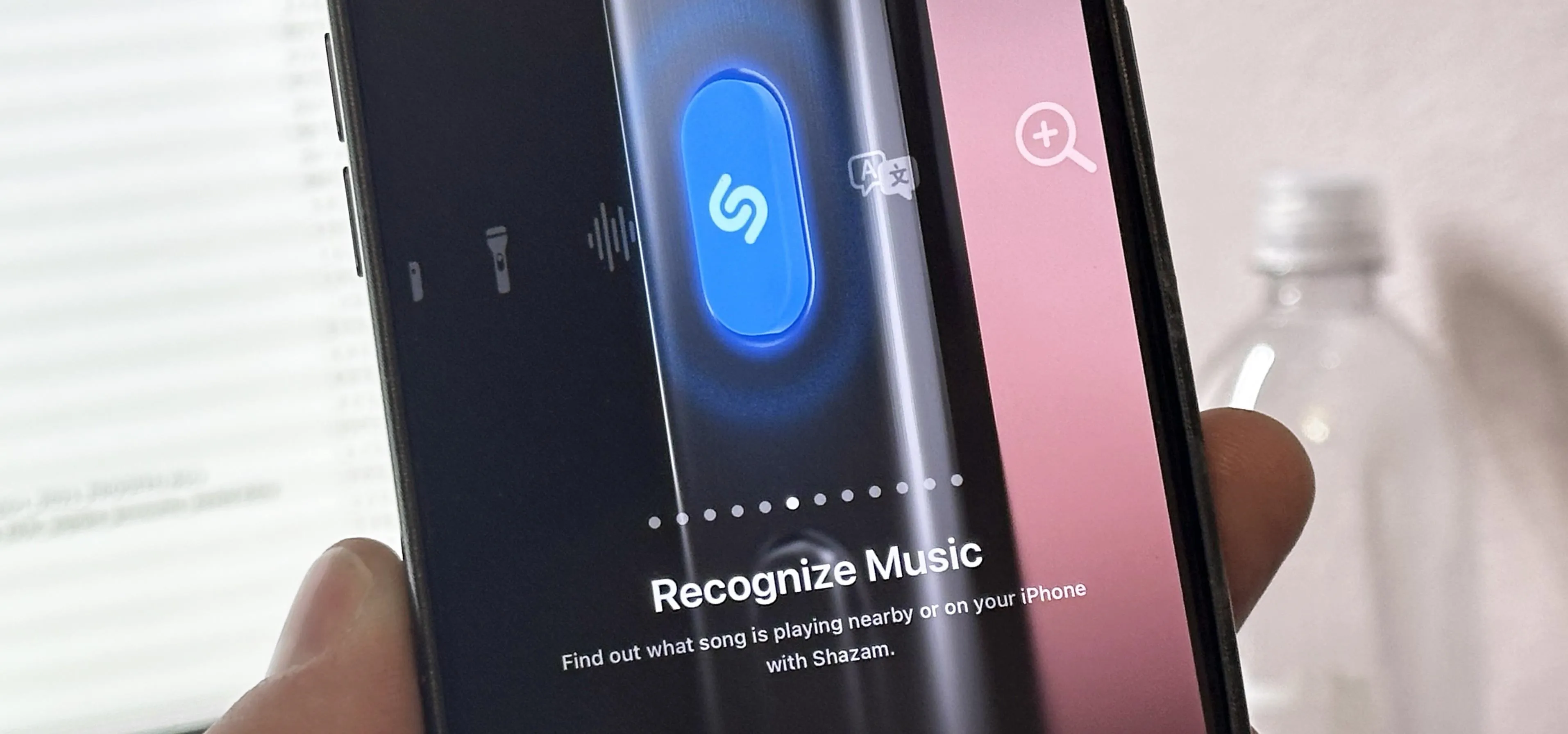
If you have an iPhone 15 Pro or 15 Pro Max, your Action button has even more actions it can perform thanks to the iOS 18 software update. These actions are also available on the iPhone 16 series lineup — the iPhone 16, 16 Plus, 16 Pro, and 16 Pro Max — all of which have the Action button. As of the latest iOS 17 update, you can assign the Action button to any of the following tasks. For any selected action besides No Action, just hold down the Action button on the side of your iPhone to have it perform the task. Accessibility: Quickly use an accessibility feature. Choices include Apple Watch Mirroring, AssistiveTouch, Background Sounds, Classic Invert, Color Filters, Control Nearby Devices, Detection Mode, Full Keyboard Access, Guided Access, Increase Contrast, Left/Right Balance, Live Captions, Live Speech, Magnifier, Reduce Motion, Reduce Transparency, Reduce White Point, Smart Invert, Switch Control, VoiceOver, Voice Control, and Zoom.Camera: Open the Camera app to capture a...more
Filed under: Allgemein - @ 19. September 2024 23:17